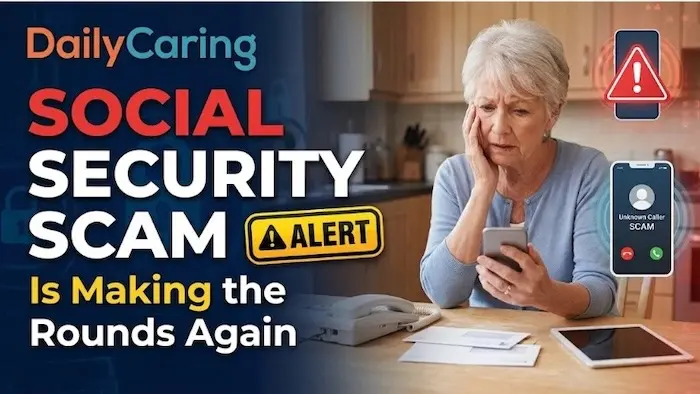
Caring for an older adult often means staying one step ahead of complex medical schedules, demanding daily routines, and delicate finances. In recent months, however, internet fraudsters have added a deceptive and aggressive twist to government imposter scams, directly targeting vulnerable seniors and family caregivers with fake Social Security statement notifications delivered straight to their personal email inboxes.
Because many older adults regularly track their benefits or monitor annual cost-of-living adjustments online, receiving an official-looking alert that an updated statement is ready can feel entirely routine and deeply urgent. Unfortunately, cybersecurity experts and federal authorities warn that clicking these fraudulent links can lead directly to identity theft, compromised financial accounts, and severe distress for families relying on fixed incomes.
The scheme typically begins with an unsolicited email claiming that a loved one’s latest Social Security statement is available for immediate download. Criminals routinely copy official government logos, specific agency typography, and standard layout designs to make the message look identical to legitimate government communications. These messages apply intense psychological pressure, urging recipients to click an embedded link or open an attached file to review the document.
According to formal alerts issued by the Social Security Administration Office of the Inspector General, clicking these links diverts victims to sophisticated counterfeit landing pages. These fraudulent sites prompt unsuspecting seniors to sign in, harvesting their sensitive Social Security numbers, login credentials, and personal banking details in the process. In other instances, opening the attached file installs malicious software directly onto the victim’s device, providing scammers with covert, back-door access to personal files and sensitive documents.
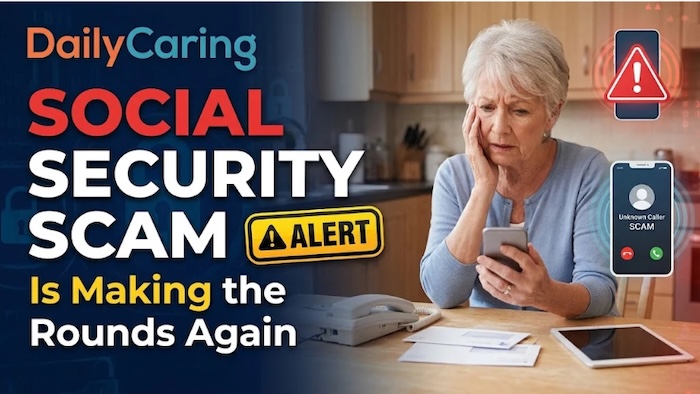
Comparing legitimate agency communications with phishing attempts reveals distinct differences that can protect families. Legitimate emails from the agency always originate from a web domain strictly ending in a government extension, whereas phishing scams often rely on free webmail services or spoofed lookalike domains. Official emails provide general directions without direct document links, while fraudulent messages frequently feature direct download buttons, PDFs, or compressed ZIP files that risk malware infection. While genuine communications serve as neutral courtesy notices directing users to check an official message center, scam messages deploy urgent warnings and threats of frozen benefits to induce panic. Furthermore, the federal government never requests Social Security numbers, bank details, or passwords via email to unlock statements.
Caregivers can spot these fraudulent communications by checking for specific inconsistencies in message headers and wording. Even when visual branding appears authentic, scammers leave noticeable clues that give away their intentions. All legitimate emails from the agency originate from a government web domain ending precisely in .gov. If a sender address uses public email extensions or strange variations, it serves as an automatic red flag. Furthermore, the agency never sends direct links that take users straight to a download screen. Real courtesy notices simply inform recipients that an update is waiting inside their secure portal message center and instruct them to log in independently.
Artificial urgency and aggressive demands are another hallmark of these fraudulent messages. Scam communications frequently claim that retirement benefits will be interrupted, frozen, or delayed unless the recipient confirms their personal details immediately. Federal authorities emphasize that the government does not suspend benefits simply because an individual failed to click an email link.
To keep older adults informed while completely avoiding phishing risks, cybersecurity specialists recommend adopting a strict browsing habit known as typing rather than tapping. Instead of clicking links embedded inside an email notification, family members and seniors are advised to open a clean browser window and manually navigate to the official online portal. From there, users can log into their secure dashboard to view official benefit statements, review earnings history, and safely check their message center.

Families who assist older loved ones with administrative tasks are encouraged to periodically check spam filters, bookmark the real agency portal, and establish a clear household rule never to click links in unexpected emails concerning money or government benefits.
If a loved one has already clicked a link, downloaded an attachment, or entered sensitive information into an online form, swift action can mitigate the damage and stop identity theft. Immediate protective measures include securing online accounts, notifying financial institutions, and reporting the incident to relevant government authorities to lock down personal records before fraudsters can exploit the stolen data.
Navigating the day-to-day responsibilities of caregiving is challenging enough without worrying about digital traps lurking in an inbox. Because aging adults rely so heavily on fixed retirement income, a sudden benefits notification naturally triggers concern, making these deceptive statement notices especially insidious. By establishing a reliable routine of never clicking links in unexpected emails and always logging directly into the official portal, families can successfully disarm the tactics these fraudsters rely upon. A brief conversation to review common warning signs, bookmark legitimate websites, and foster an open environment where older adults feel comfortable asking before clicking can protect households from significant financial stress.